





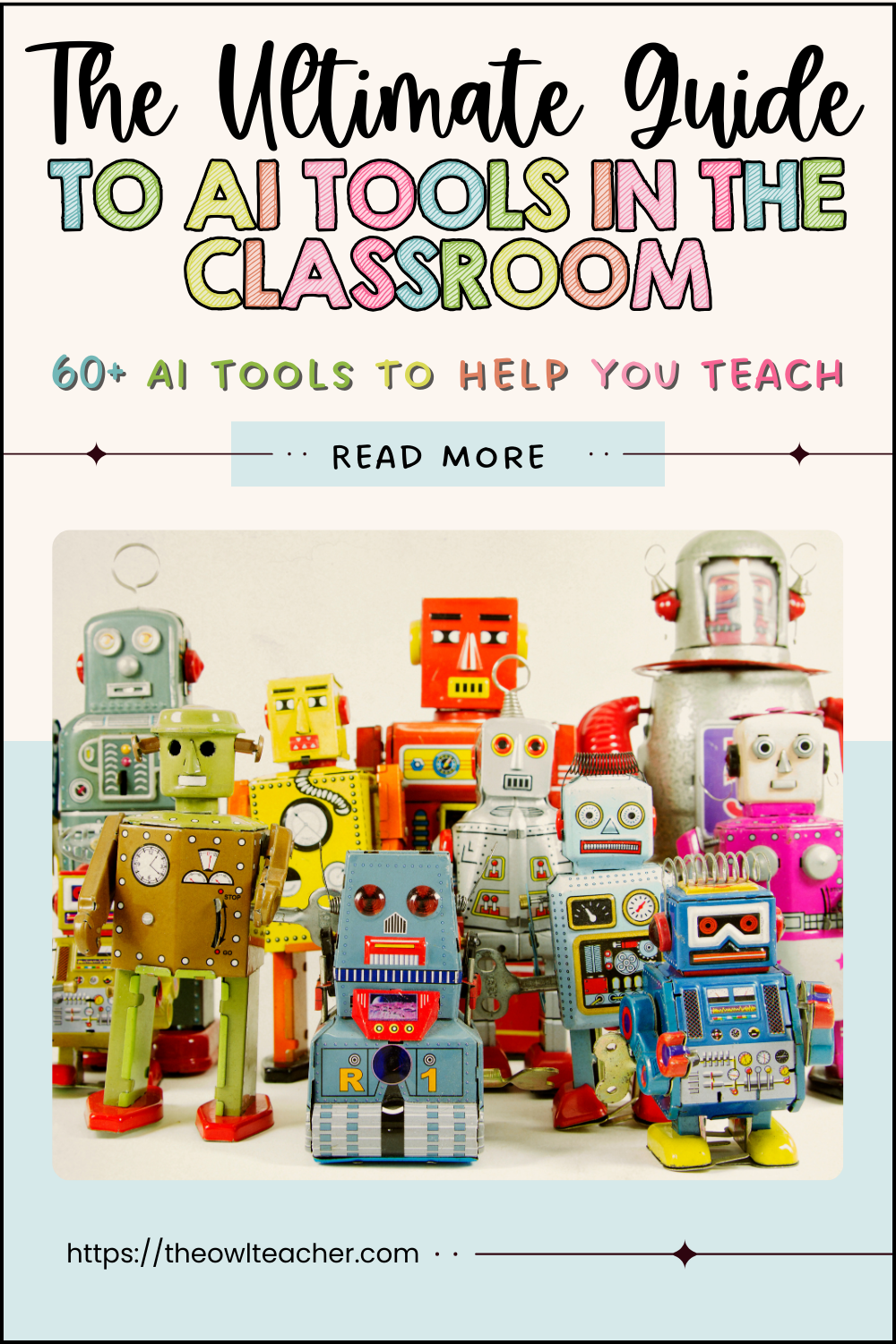
AI tools in the classroom will help teachers save the precious commodity of time. It’s a barrier that teachers have struggled with for a long time, and now, with AI tools, they can breathe a sigh of relief. When used wisely, AI tools in the classroom can save time, spark creativity, and make room for what matters: helping meet students’ needs. Artificial Intelligence is here to stay, whether you like it or not. It is changing how you plan, differentiate, and manage the daily chaos in your classroom. The guide below will serve as your ultimate resource for AI options, with some overlap; you can select the option that works best for your teaching style and students.
How to Use This List
Before you begin reading the ultimate, possibly overwhelming list, I need to disclose that, in complete transparency, I have not tried every single AI-generated tech listed below. It’s a long list and it’s incomplete (I have about 150+ more!). There are still plenty more that I could add. Please remember that not every tool will be a good match for your classroom. Start small by picking one or two AI tools that truly solve a pain point for you. For example:
- If planning eats your evenings, try MagicSchool AI.
- If differentiation keeps you up at night, use Diffit to level texts instantly.
- If grading takes over your weekends, explore ScribeSense.
Remember: AI tools in the classroom are here to support—not replace—your teaching superpowers.
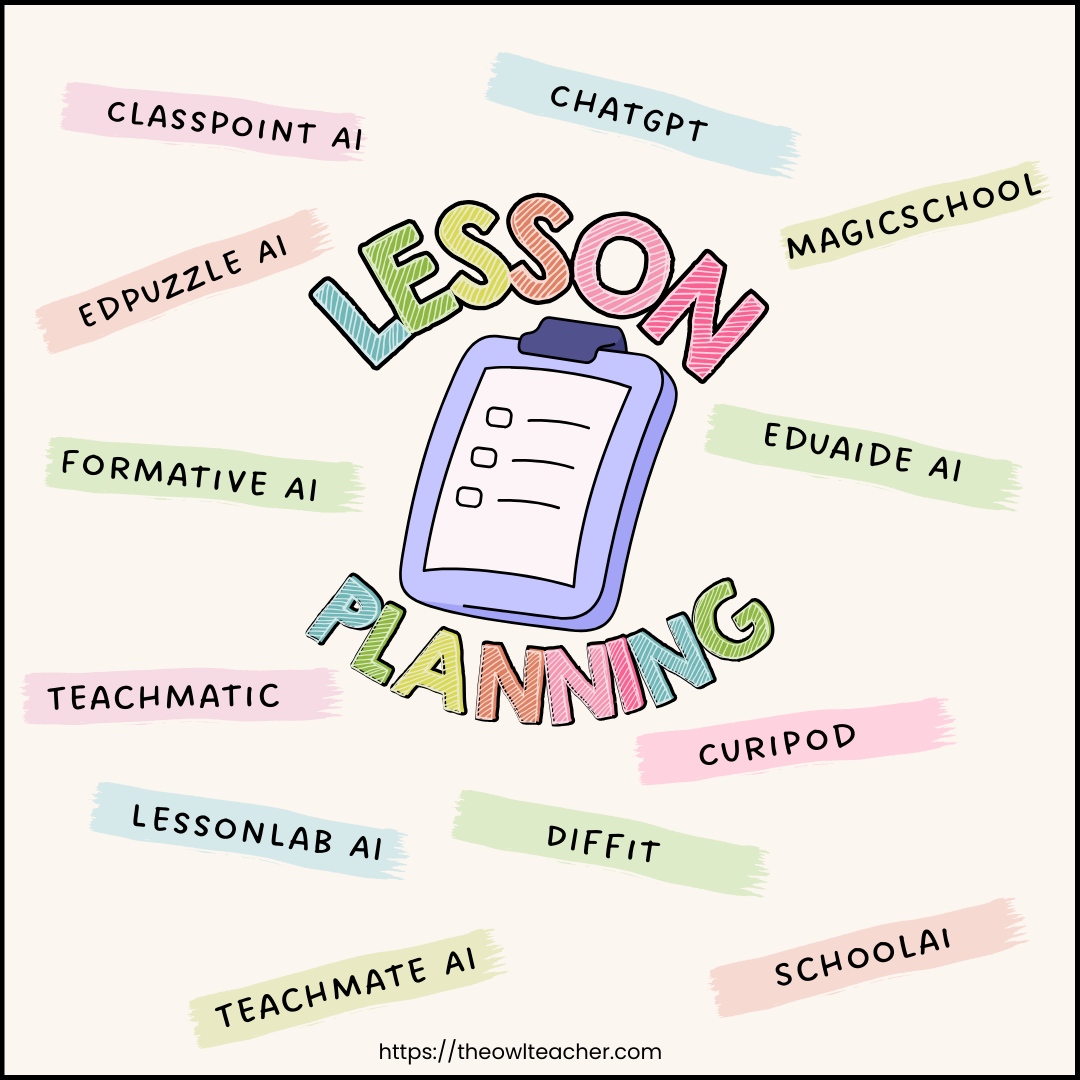
Lesson Planning & Curriculum Support
- ChatGPT / OpenAI – Brainstorm lesson hooks, create practice problems, or simplify texts. Great for idea-storming when you’re stuck.
- MagicSchool AI – Teacher-focused tool that generates lesson plans, accommodations, parent emails, and exit tickets in minutes.
- Eduaide.AI – A library of instructional strategies and ready-made lesson plan generators that align with standards.
- Curipod – Creates interactive lessons and presentations from a single prompt. Teachers can build complete slide decks instantly.
- Diffit – Simplifies and differentiates reading passages to multiple levels, perfect for mixed-ability classrooms.
- TeachMateAI – Focused on reducing teacher admin, with tools for IEP suggestions, lesson blueprints, and classroom activities.
- LessonLab.ai – Suggests standards-aligned lesson structures and checks for misconceptions.
- Teachermatic – Creates CPD resources, classroom activities, and reflection prompts.
- Formative AI (GoFormative) – Generates standards-based formative assessments instantly.
- EdPuzzle AI – Auto-generates questions for videos you upload.
- ClassPoint AI – Integrates into PowerPoint to add instant quizzes and engagement features.
- Schoolai – Helps teachers create lesson plans, multiple-choice quizzes, and use a text translator, among other things.
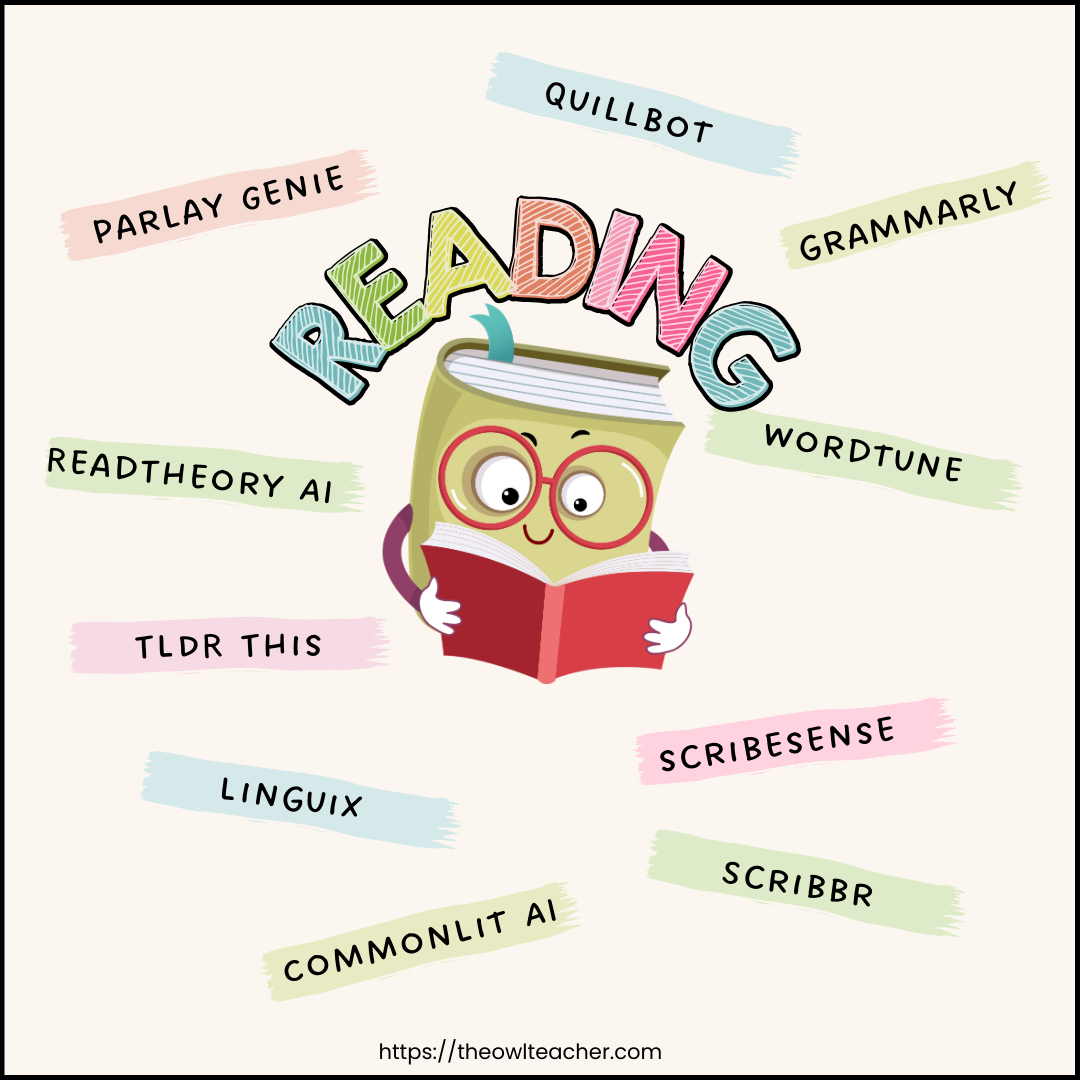
Reading & Writing Support
- QuillBot – Helps students paraphrase, revise, and strengthen writing. Teachers can use it to model editing.
- Grammarly – Corrects grammar and suggests improvements—students can use it for polishing final drafts.
- Wordtune – Offers sentence rephrasings and clarity improvements for student writing.
- ScribeSense – Grades handwritten assignments automatically, saving hours of marking time.
- Scribbr – AI that checks plagiarism, grammar, and citations.
- CommonLit AI – Differentiates reading passages and generates comprehension questions.
- Linguix – Alternative to Grammarly for ELL scaffolding.
- TLDR This – Summarizes long articles into kid-friendly text.
- ReadTheory AI – Personalizes comprehension quizzes for students based on responses.
- Parlay Genie – Creates discussion questions at different depths of knowledge from any article or video.
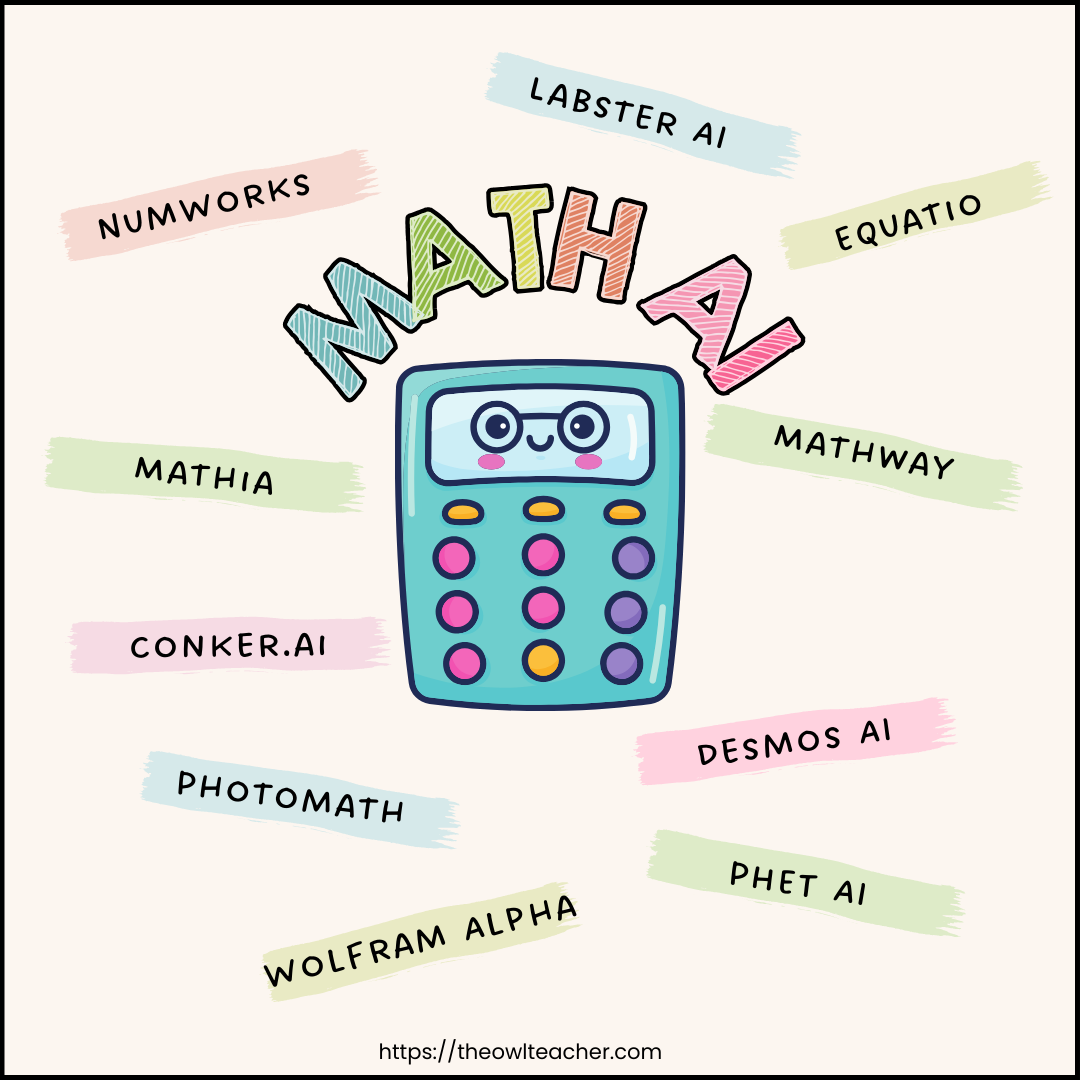
Math & STEM Helpers
- Photomath – Students can scan problems to see worked-out solutions. Teachers can use it to model step-by-step approaches.
- MathGPT / Mathway – AI calculators that solve complex equations with explanations.
- Wolfram Alpha – Provides step-by-step problem-solving and visuals, making it great for advanced math and science.
- Equatio – Helps create accessible math equations, diagrams, and notations.
- Desmos AI – Expands on graphing capabilities to show patterns and multiple representations.
- Conker.ai (from Mote) – Generates math quizzes and self-checking forms.
- NumWorks AI Graphing Calculator – Student-friendly graphing calculator with AI-driven support.
- Mathia (Carnegie Learning) – Adaptive AI-powered math practice.
- Labster AI – Virtual science labs where students can simulate experiments.
- PhET AI – Extends simulations with guided inquiry questions.
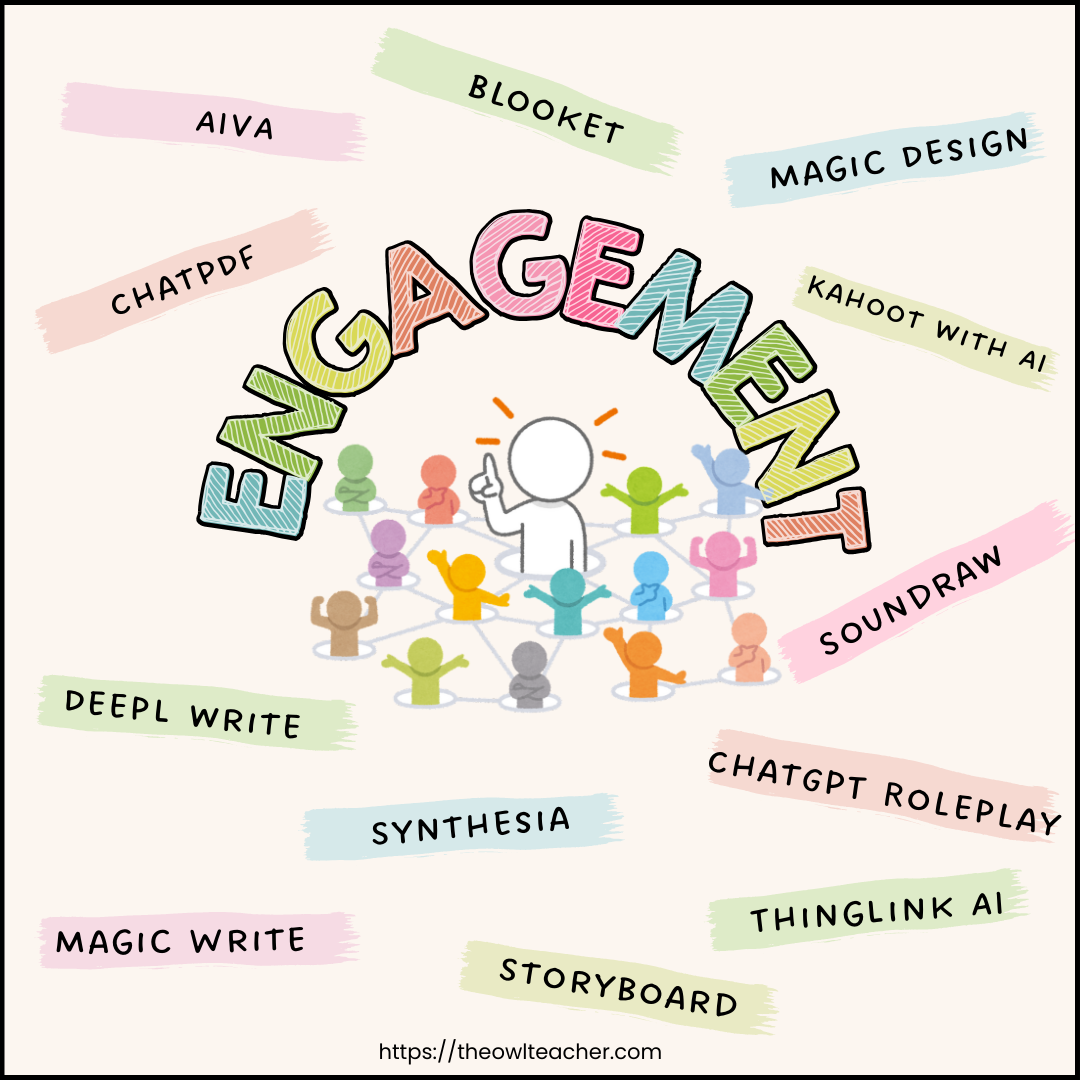
Student Engagement & Creativity
- Canva’s Magic Design + Magic Write – Instantly generate worksheets, posters, and slides with AI text and design support.
- Kahoot! with AI – Auto-generates quizzes from uploaded documents.
- Blooket + Quizizz AI Question Generator – Build gamified review games instantly.
- Soundraw / AIVA – AI music creators that let students compose background tracks for projects.
- ChatGPT Roleplay – Students can interview a “historical figure” or explore a concept through a safe AI persona.
- ThingLink AI – Turns images into interactive maps, posters, or diagrams with clickable hotspots.
- Storyboard That with AI prompts – Students generate storyboards for narratives, history, or science explanations.
- Synthesia – Creates AI avatars that can narrate lessons in multiple languages.
- DeepL Write – An AI writing support tool that helps with tone, clarity, and translation (helpful for bilingual classrooms).
- ChatPDF – Upload any PDF (like a science article), and students can “chat” with it to check comprehension.
Differentiation & Accessibility
- Speechify – Turns text into natural-sounding audio. Perfect for struggling readers.
- Natural Reader – Another text-to-speech option with multiple voices.
- Otter.ai – Records and transcribes lessons, helping absent or ELL students catch up.
- Lexplore – AI reading assessment tool that tracks eye movement and reading fluency.
- AI Prompt Pathways in MagicSchool – Creates tiered assignments (Must-Do, Should-Do, Aspire-to-Do style).
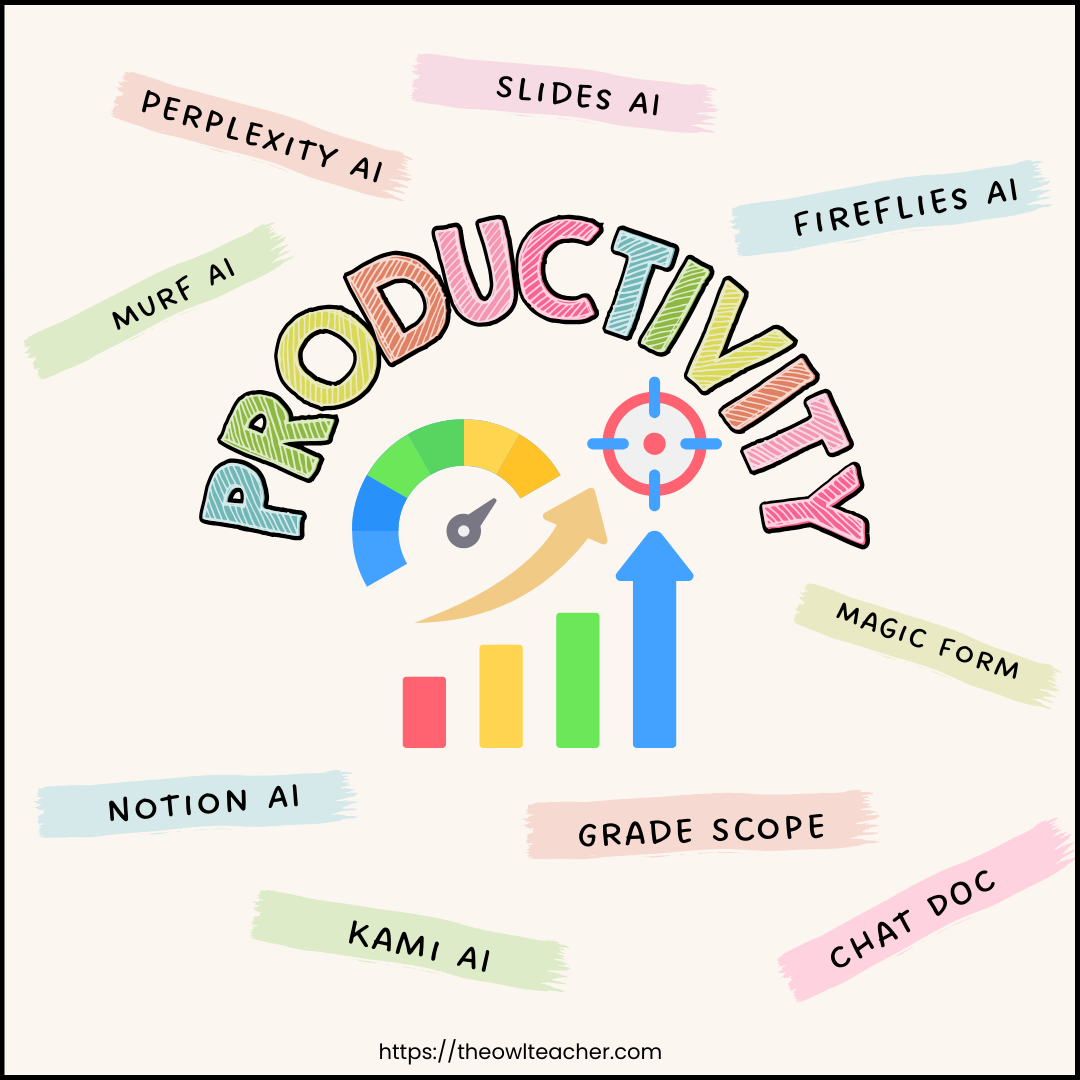
Productivity & Admin Time Savers
- Perplexity AI – A research assistant for teachers that pulls accurate, cited sources fast.
- SlidesAI.io – Instantly converts notes into full Google Slides decks.
- Murf AI – AI voiceover for classroom videos or flipped lessons.
- Fireflies.ai – Records and summarizes meetings, IEP discussions, or PD sessions.
- ChatDOC – Upload long PDFs (like standards or curriculum guides) and ask AI questions about them.
- Magic Form (Google Forms add-on) – Creates quizzes directly from text or lessons you paste in.
- GradeScope – AI-assisted grading of multiple-choice, short-answer, and even handwritten work.
- Kami AI – Adds interactive AI annotations to PDFs for grading or student support.
- Notion AI – Keeps teacher planning, notes, and student data organized.
Social-Emotional Learning (SEL) & Reflection
- Replika for Education (safe classroom mode) – Students can roleplay conversations to practice empathy or problem-solving.
- Pictory.ai – Transforms student reflections into short, narrated videos for SEL portfolios.
- OtterPilot for Teachers – Records IEP meetings and generates follow-up notes automatically.
- Evolv AI Check-Ins – Daily SEL-style student surveys with AI summaries for teachers.
Professional Growth & Reflection
- Elicit.org – AI research assistant for digging into education studies without wading through paywalls.
- Scholarcy – Summarizes academic papers into digestible key points.
- Khanmigo (from Khan Academy) – An AI tutor and coach, available for teachers to reflect on their own content knowledge.
- TeacherMatic – Provides ready-to-use ideas for CPD sessions, assessments, and teaching strategies.
Final Thoughts
AI won’t ever replace the connection you build with students. But it can take some of the weight off your shoulders, freeing you up to focus on the heart of teaching. With the right AI tools in the classroom, you can cut prep time, level up your lessons, and maybe even head home before sunset (imagine that!).

This is part of the AI in the Classroom Series
Related Posts:
How to Use AI in Teaching in the Upper Elementary Classroom
The Ultimate Guide to AI Tools in the Classroom
How to Write Better AI Prompts for Lesson Planning