





AI in teaching is no longer just knocking on our classroom doors. It’s everywhere, and it has been for a while. If you really think about it, we have been using a variation of AI for years, such as Grammarly or speech recognition. However, what I’m referring to is artificial intelligence such as ChatGPT, Claude, or any other of the many variations. It isn’t going away, so we can’t just wait for the “phase to pass.” So, like it or not, we’ve got to decide how it fits into our classrooms, our pedagogy, and our purpose. So let’s unpack this together—real talk, teacher to teacher.
How Can AI Be Used in Teaching and Learning?
AI can be a powerful sidekick in your teaching toolkit. For instance, it supports learning in a multitude of ways. If you need differentiated reading passages or math word problems in seconds, AI can scaffold quickly. Formative assessment tools, such as Wayground or Formative, utilize AI to track student trends and suggest next steps. Some platforms (like Grammarly or ScribeSense) use AI to give students targeted feedback, freeing you up for small-group instruction. Tools like Curipod or MagicSchool help generate lesson outlines or anchor chart ideas fast, though I would tweak them to your style.
Currently, most teachers are utilizing AI in teaching behind the scenes for tasks such as lesson planning, generating parent letters, IEP goal banks, and rubrics. Some use it for grading or rewording directions for ELL students. The real power comes from using it as a thinking partner, not a replacement.
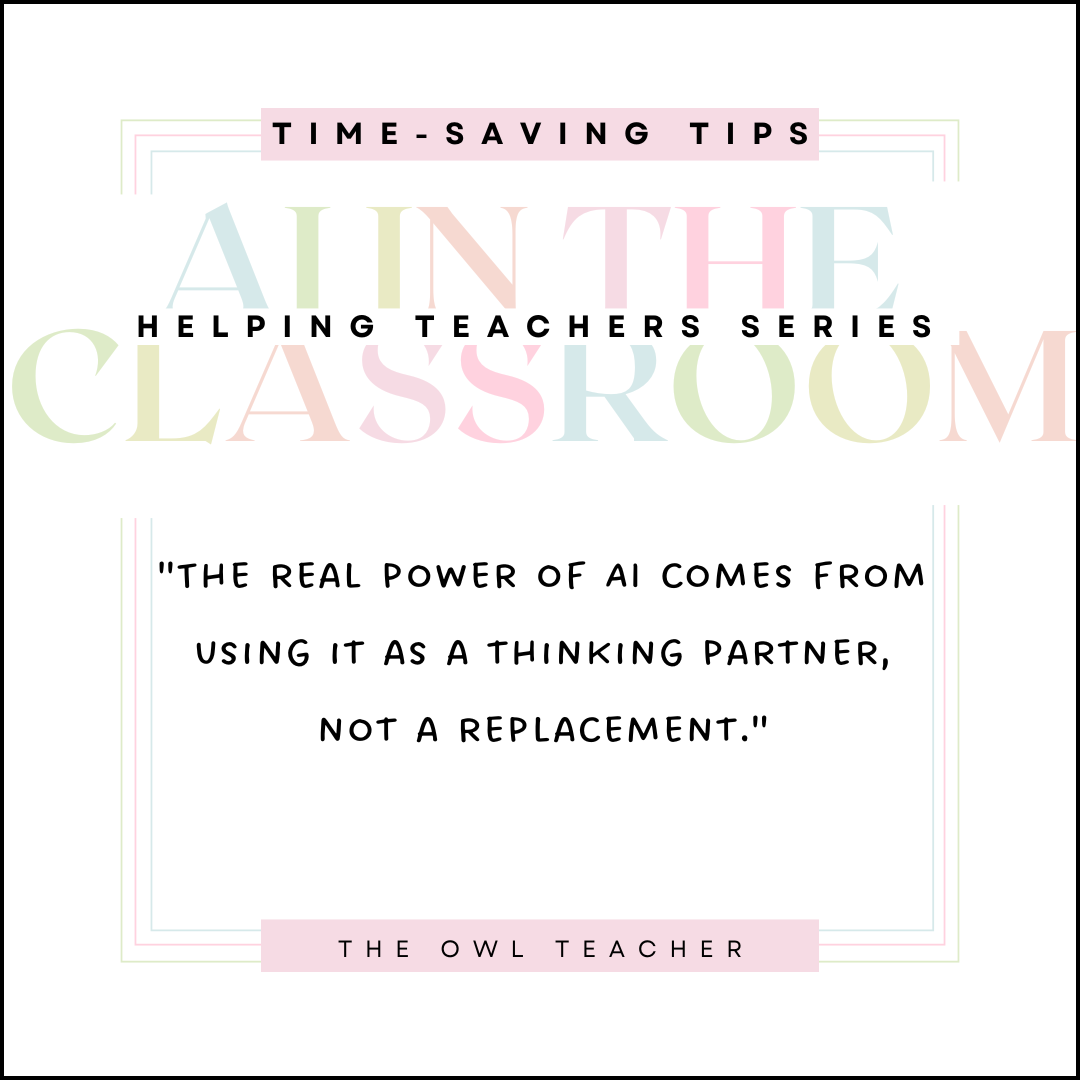
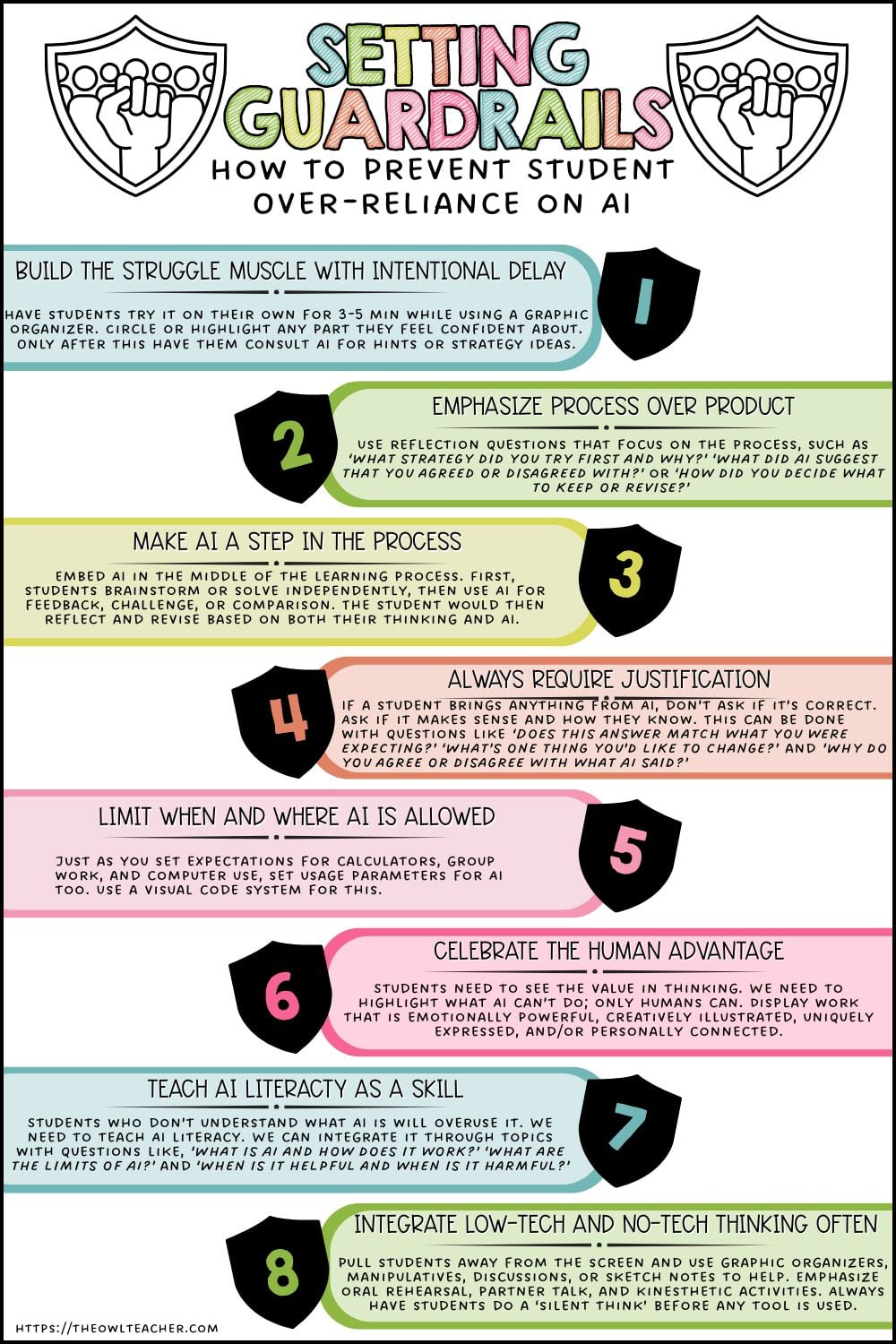
The goal isn’t to block AI from the classroom, but to train students to use AI effectively, allowing us to preserve their cognitive development, independence, and love for learning. But what exactly do I mean by ‘thinking partner?’ Think of it more as a coach that nudges forward-thinking without replacing it.
Using AI in teaching as a thinking partner is something that:
- Asks thoughtful questions
- Sparks new ideas
- Helps clarify thinking
- Supports brainstorming or problem-solving
- Gives feedback or suggestions without doing the work for you.
What is the Role of AI in Teaching, and is it Legal with Children?
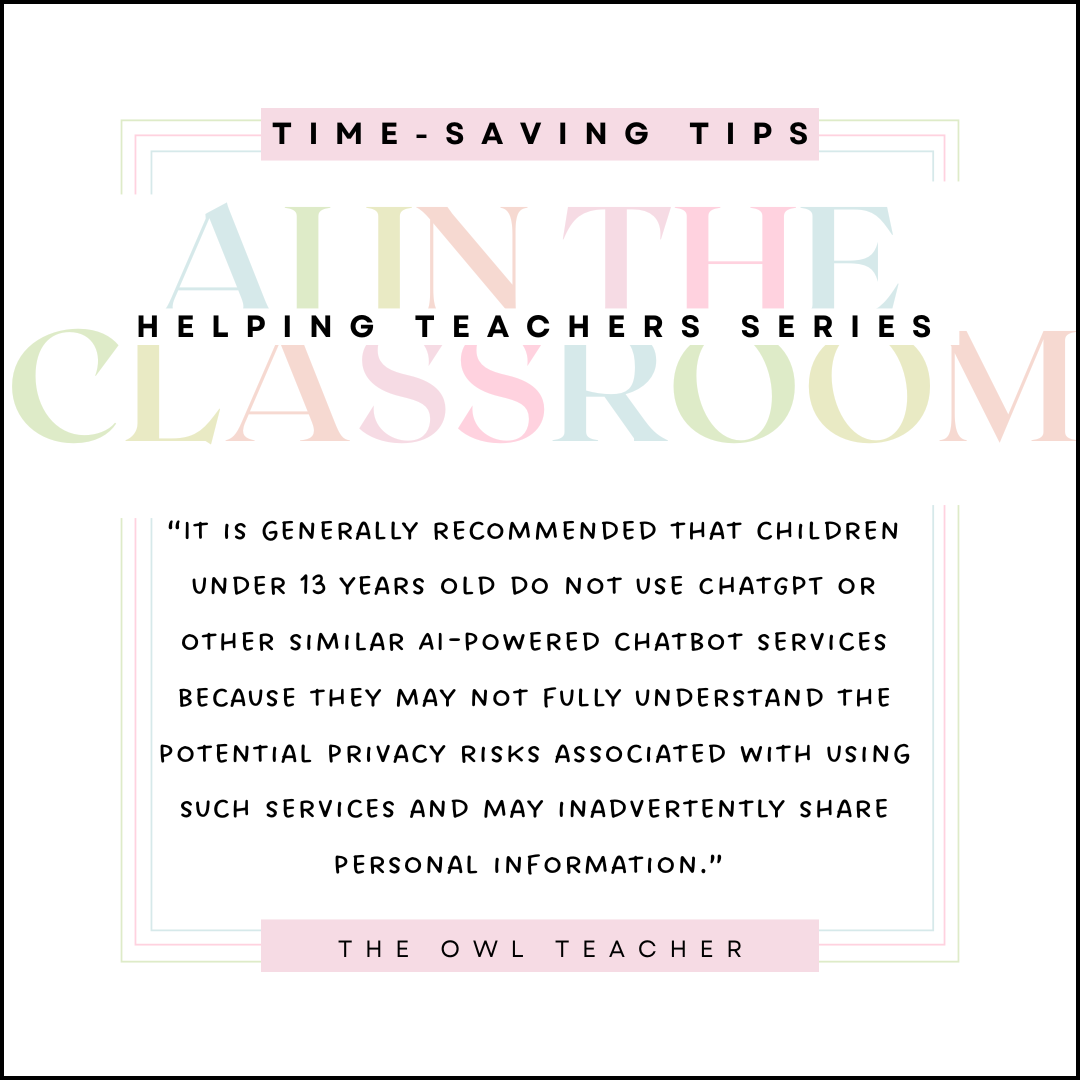
According to Darling-Hammond et al. (2020), the highest-impact teaching still comes from strong student-teacher relationships, feedback, and engagement—none of which AI can replicate on its own. Additionally, it is generally recommended that children under 13 years old do not use ChatGPT or other similar AI-powered chatbot services because they may not fully understand the potential privacy risks associated with using such services and may inadvertently share personal information.
In the US, under the Children’s Online Privacy Protection Act (COPPA), it is illegal for online services to collect personal information from children under 13 without obtaining verifiable parental consent. This means that if a service like ChatGPT is used by children under 13, it could violate this law. (In case you are not aware, ChatGPT may retain sensitive information input for training or usage, which unauthorized parties could potentially access. Additionally, the company that owns ChatGPT may share the data it collects with third parties without the user’s consent, which could lead to unwanted marketing or other types of contact.)
Alright, now that I have all the legal jargon out of the way, you can decide whether to use it in your classroom or not. I don’t think that it is much different from any other AI that has been used in the past in schools. Additionally, I think as long as students are taught proper digital citizenship, that could also make it all right. Lastly, ChatGPT has a temporary mode intended to prevent it from remembering, but from my experience, this is not always accurate. Double-check with your school district to confirm their rules regarding it, and send a permission slip home for added protection. In some states, some require AI-generated content to be teacher-reviewed or not used in assessments.
Why Is AI the Best Teaching Tool?
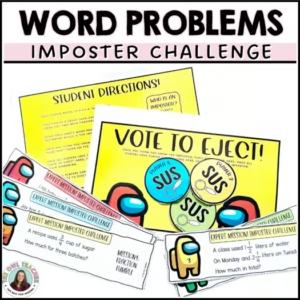
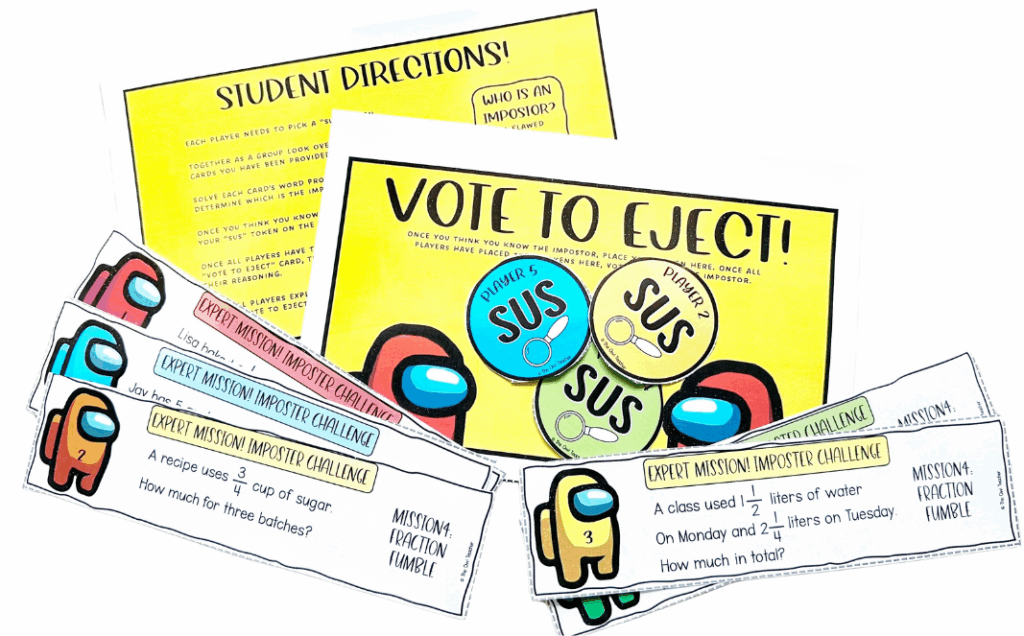
Let’s slow down a sec. AI in teaching isn’t the best tool—it’s just a really fast one. It’s best when paired with your wisdom, your experience, and your understanding of child development. For example, if you use my resource “Word Problem Error Analysis Imposter Activity”, you could use AI to:
- Create alternate expression cards for extensions.
- Generate silly, themed story problems to match the theme.
- Provide hints based on common misconceptions from your class data.
But it won’t know which student is pretending not to understand because they’re embarrassed, or which one needs a brain break before attempting that last problem.
What Is the Best AI in Teaching Tool for Teachers?
There’s no one-size-fits-all. But here’s a quick chart to help for when you decide to use AI in teaching:
| AI Tool | Best For | Upper Elementary Use |
|---|---|---|
| MagicSchool | Lesson & IEP drafting | Scripted SEL lessons or math prompts |
| ChatGPT | Brainstorming, tutoring | Scaffold directions or anchor charts |
| Canva Magic Write | Visual + writing help | Bulletin boards or newsletters |
| Diffit | Differentiating texts | Adjust Lexile levels on nonfiction content |
How Will AI Affect Teaching Methods?
We’re already seeing the shift:
- Faster lesson development = more time to meet with small groups.
- AI can generate multiple representations (charts, stories, visuals) = better differentiation.
- Teachers are using AI to simulate problem-solving steps, providing students with models of metacognition.
BUT—we’ve got to teach kids how to think, not just how to find answers. Explicitly modeling strategies like estimation, number sense, and identifying distractors in word problems is more important than ever. We need to be reminded that while using AI in teaching is fantastic, we need to ask ourselves continually:
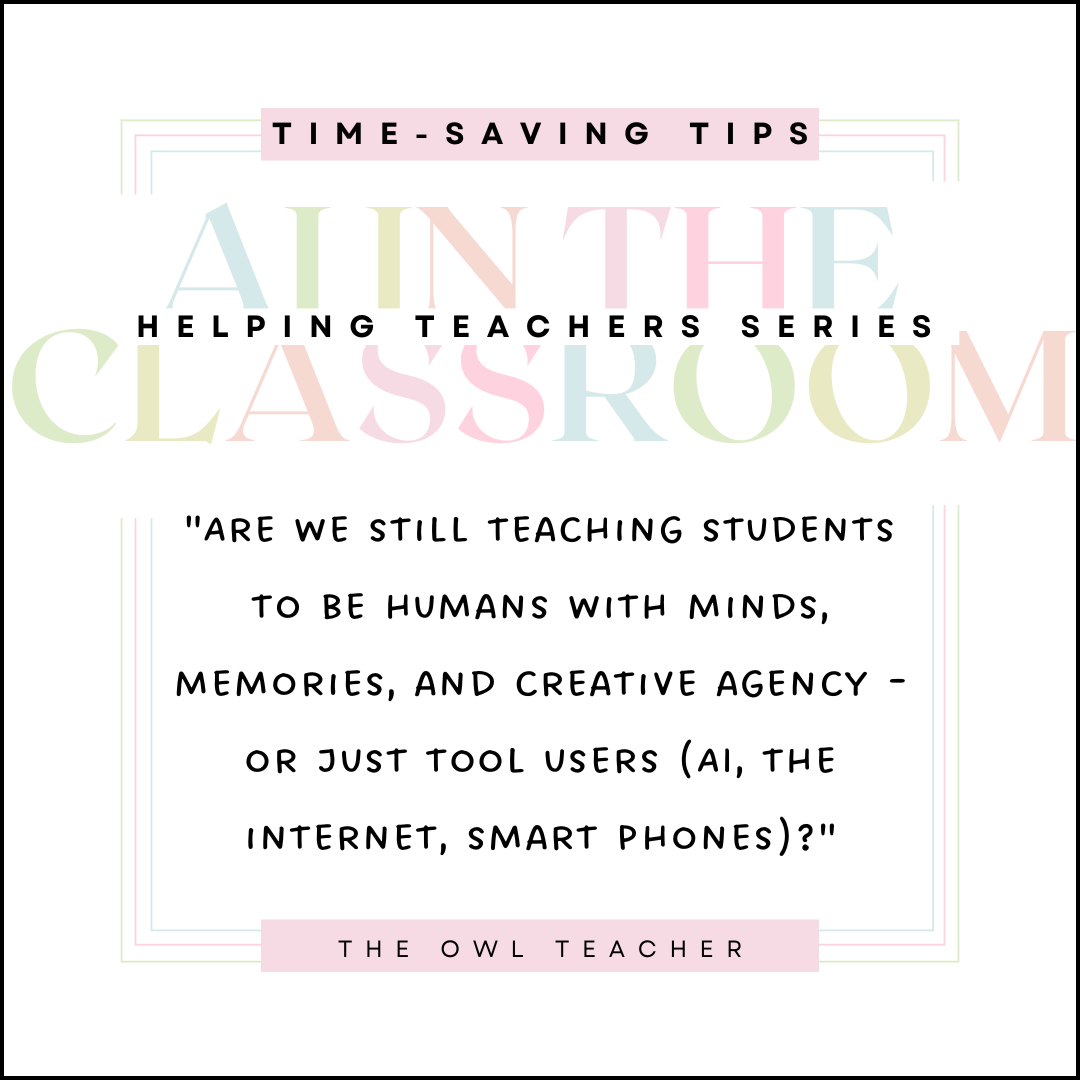
“Are we still teaching students to be humans with minds, memories, and creative agency – or just tool users (AI, the internet, smart phones)?”
AI-Generated Use By the Teacher
As mentioned above, AI-generated content works best in partnership with your brain, voice, and classroom dynamics. It’s good when it supports critical thinking, personalization, and efficiency. It isn’t good when it’s used to replace interaction or reduce everything to worksheets. It’s most helpful when trying to come up with remediation and extension ideas. You can also create essays, lesson plans, poems in style of specific author, outlines, quiz/test questions, design a rubric, write policies, write a script, create a rubric, provide directions for learning activity, write text for students to read designed for specific levels and specific vocabulary, take notes on text that you insert into AI, revised version of text, write a choose-your-own-adventure story, and so on (we will discuss these later!). However, the right prompts really help get the results you need. I will discuss and provide prompts later in the series, so stay tuned!
Student Use on Assignments
If students use AI for essays or assignments, you can usually spot it—especially if it bears no resemblance to the student’s previous work. Tools like Turnitin can help flag AI-generated responses for assignments that appear to be somewhat off the mark. With math, not only should students explain how they arrived at the answer, but teachers should also regularly give tickets out the door so that students demonstrate their understanding in the classroom, away from any AI. My children in 7th grade periodically use it to find an answer to a problem and copy down its explanation. While this is the common trend among students at home, the real problem is when they arrive at school and have to do it there, away from their “cheating” and cannot explain it.
Actionable Tips for Teachers (To Try This Week)
- Pick one AI tool (like MagicSchool or ChatGPT) and test it for brainstorming exit ticket questions or discussion starters.
- Use AI to create tiered versions of your following reading passage, then assign based on your trim group levels.
- Model thinking aloud through a problem, then compare your steps to how AI would approach it. Discuss with your class what was helpful—and what wasn’t.
- Create a class AI policy together. Talk about when it’s okay, when it’s not, and why human thinking still matters.
Final Thoughts
Let’s be real: The threat isn’t AI itself. The danger is ignoring it. When we avoid it, we leave kids to navigate it on their own. When we rely on it too much, we risk dulling the aspects of teaching that matter most: joy, connection, and creativity. Futurists warn of “cognitive atrophy”—where over-reliance on AI leads to reduced memory, problem-solving, and creative thinking (Tegmark, 2017). If we want kids to develop those muscles, we have to model healthy boundaries with technology.
AI won’t replace teachers—but teachers who use AI might outpace those who don’t. Let’s teach responsibly, creatively, and consciously. Using AI in teaching is just one more tool in your belt—but you, my friend, are still the most important part of teaching.
Free Decision Guide Checklist
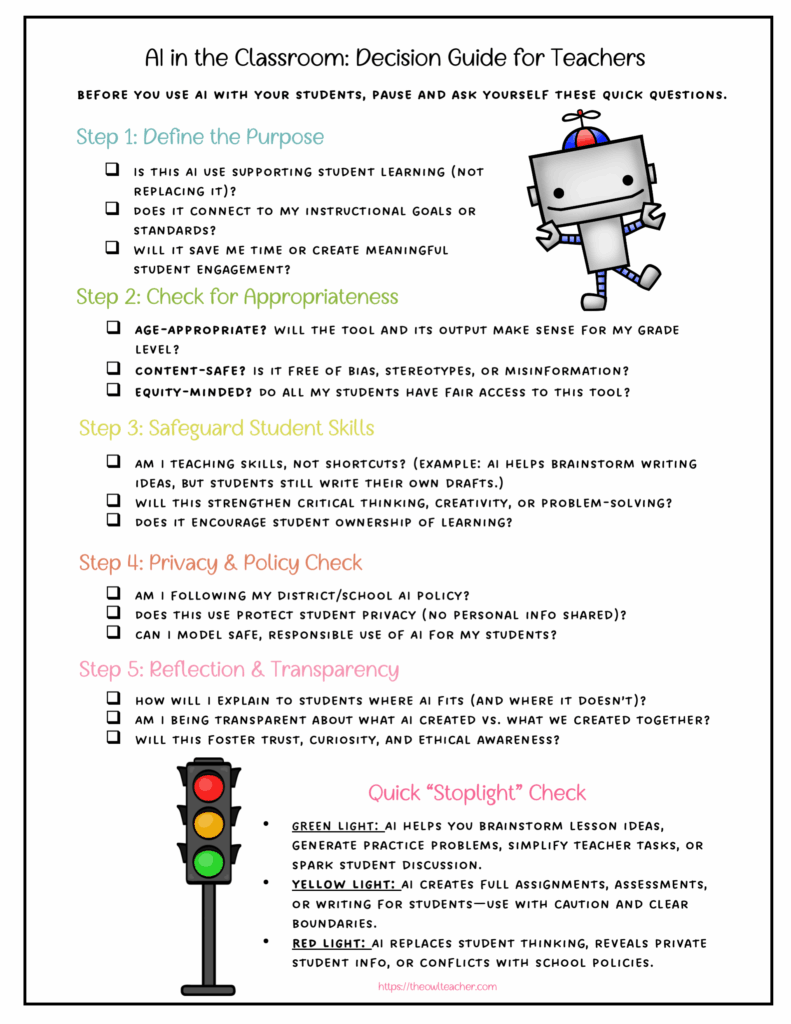
Would you like a free printable “AI in the Classroom Decision Guide” for teachers?
Click here to download it for FREE

This is part of the AI in the Classroom Series
Related posts:
How to use AI in the Upper Elementary Classroom
The Ultimate Guide to AI Tools in the Classroom
How to Write Better AI Prompts for Lesson Planning
Sources:
Darling-Hammond, L., Flook, L., Cook-Harvey, C., Barron, B., & Osher, D. (2020). Implications for educational practice of the science of learning and development. Applied Developmental Science, 24(2), 97-140.
Rosenshine, B. (2012). Principles of instruction: Research-based strategies that all teachers should know. American Educator, 36(1), 12–39.
Tegmark, M. (2017). Life 3.0: Being human in the age of artificial intelligence. New York: Knopf.