






Suppose you’ve been teaching upper elementary for about a decade. In that case, you’ve already survived SmartBoards that never calibrated, grading piles taller than your students, and at least one professional development where someone told you Post-it notes will change your life. (Never mind that I recently wrote a post on it, ha!) And now? We’ve added AI into the mix—another shiny tool that promises to save you time, if only you knew how to talk to it.
That’s the catch, right? The way you ask AI for a lesson plan is the difference between getting a usable, creative idea and something that looks like it was scribbled by a student who just realized the project was due yesterday.
So, let’s talk about writing AI prompts for lesson planning—specifically when you’re using it for your mixed-ability classroom. And, we know you have tried. And if you haven’t, why not?
Why Prompt Crafting Actually Matters
Think of writing AI prompts for lesson planning like directions to your substitute teacher. If you write, “Teach fractions,” you’ll come back to find your kids playing calculator hot potato. But if you leave, “Review equivalent fractions with fraction strips, then small group sorting activity, then exit ticket,” (and so on), you stand a chance of returning to a room that isn’t on fire.
AI works the same way. A vague prompt = a vague lesson plan. A detailed prompt = something closer to what you actually need (Liang et al. 2023).
Common Mistakes Teachers Make with Prompts
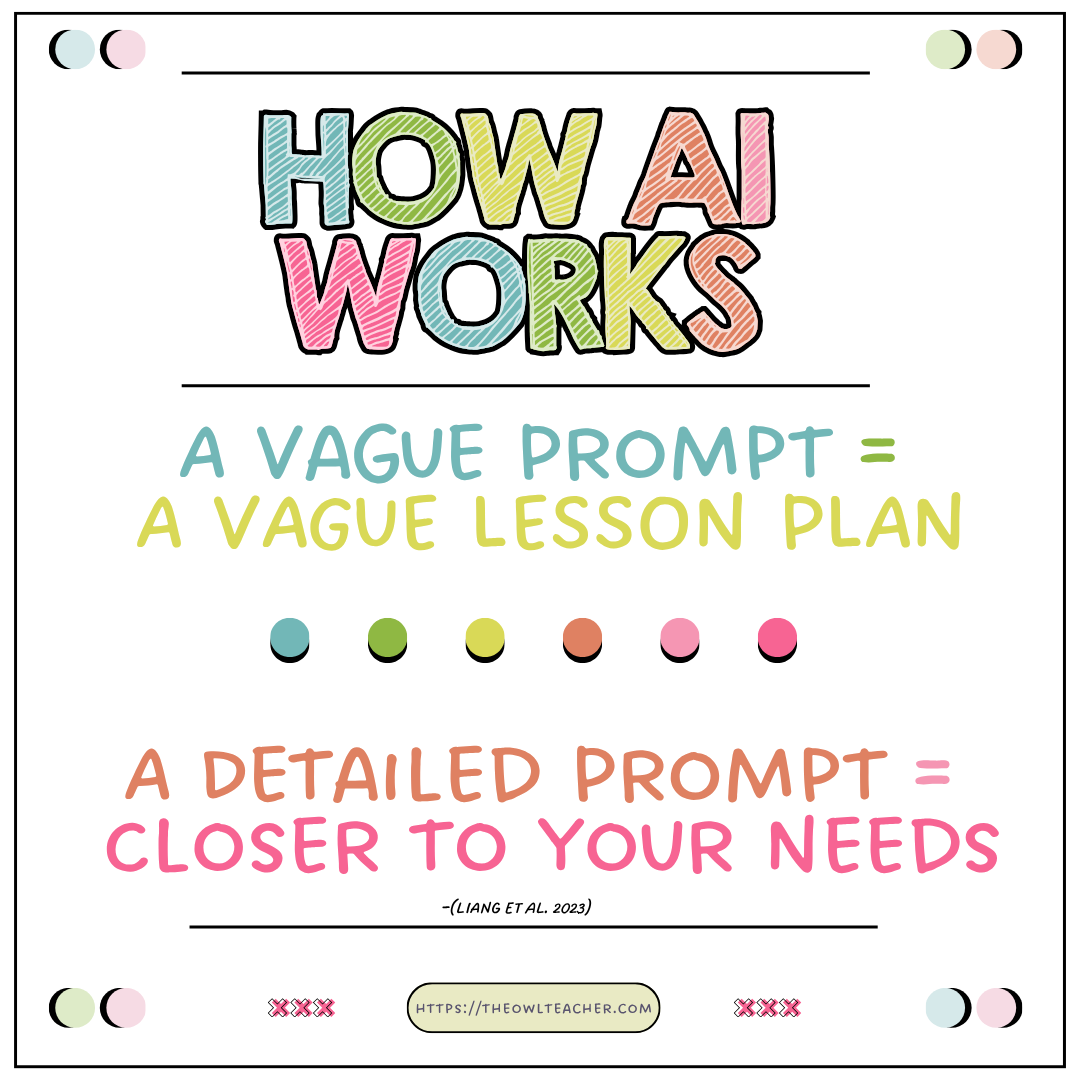
Here are the top teacher pitfalls I’ve noticed (and yes, I’ve made them too):
- Being too vague. “Write me a lesson plan about decimals.” Okay, but do you want to focus on place value, multiplication, or comparing them with money?
- Forgetting the grade level. AI doesn’t magically know you teach fifth graders. If you don’t say it, you might get kindergarten “draw a picture” plans or college-level jargon.
- Leaving out your context. A mixed-ability class needs differentiation, but if you don’t say that, you’ll get a one-size-fits-none plan.
- Asking it to be you. AI is a helper, not your teaching twin. If you expect it to sound exactly like you without guidance on your ai prompts for lesson planning, it’ll default to textbook-snooze mode.
- Lack of structure. There are many different ways to teach your lessons. You may want to specify how you would like your lesson plans written.
- Giving AI too much trust. AI is known for making things up when it’s not entirely sure.
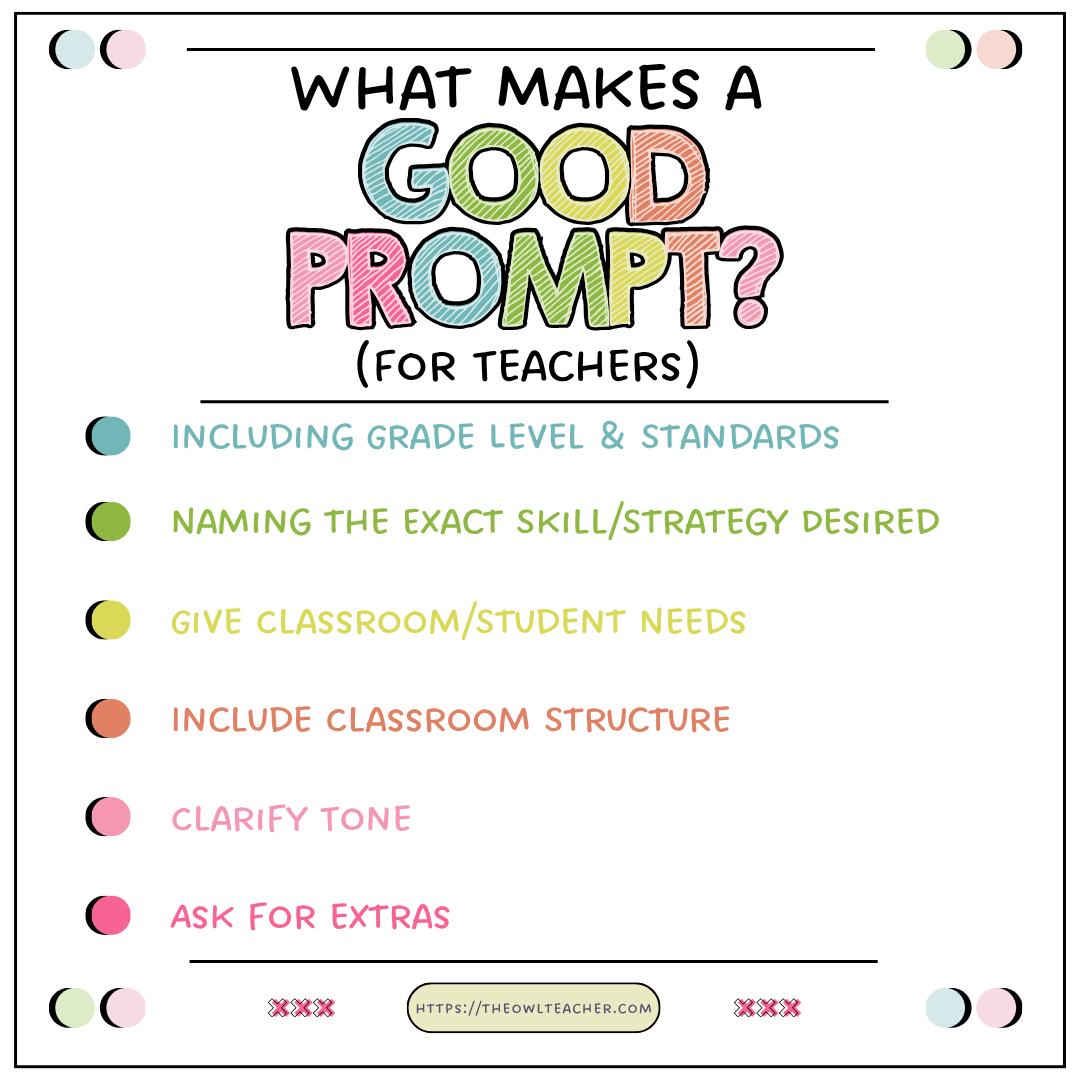
What Makes a Good AI Prompt for Lesson Planning?
A good prompt is like a good rubric: specific, clear, and leaves no room for “but I didn’t know you meant that.”
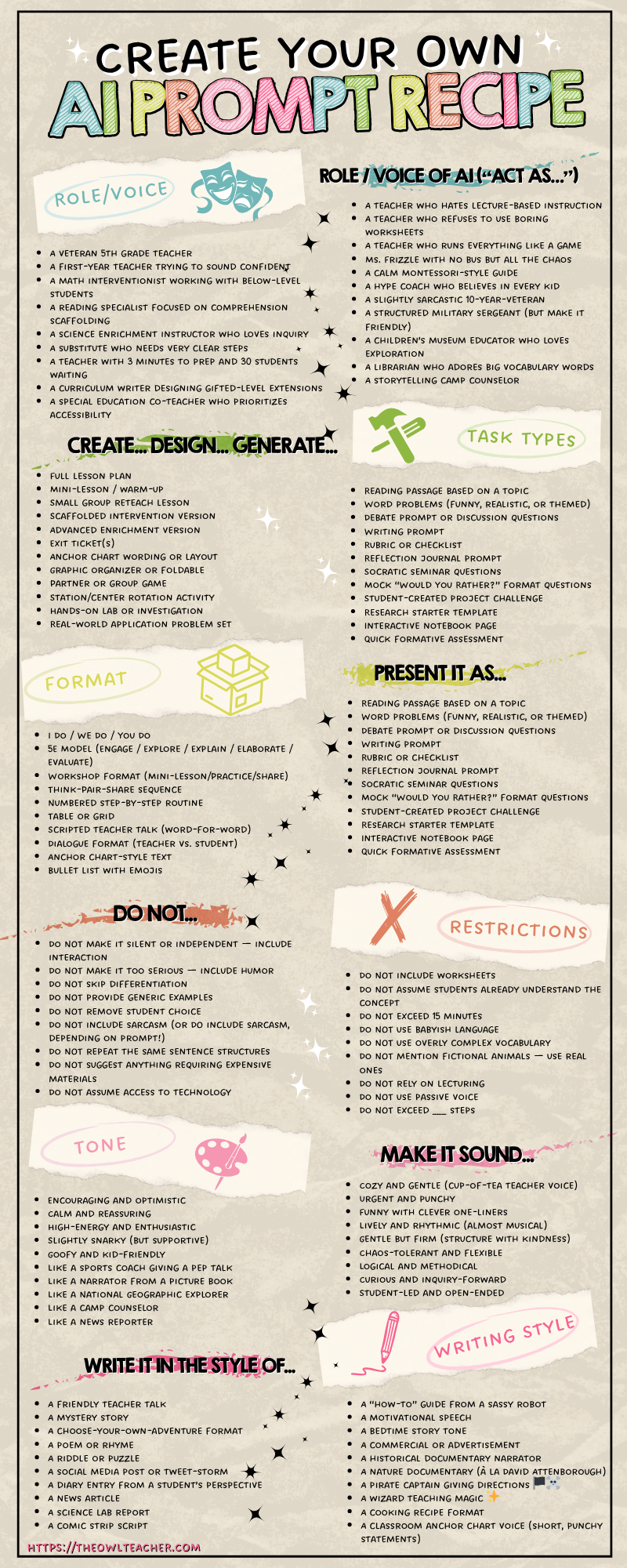
You’ll want to include:
- Grade level and standards (e.g., 5.NF.2 for fractions).
- Content focus (multiplying fractions with models vs. word problems).
- Your classroom needs (mixed ability, ELL support, enrichment).
- Desired format (scripted mini-lesson, anchor chart idea, partner practice, exit ticket, assessment).
- Tone/voice (engaging, humorous, not worksheet-driven).
- Ask for extras (multiple versions, different reading levels, task cards, etc)
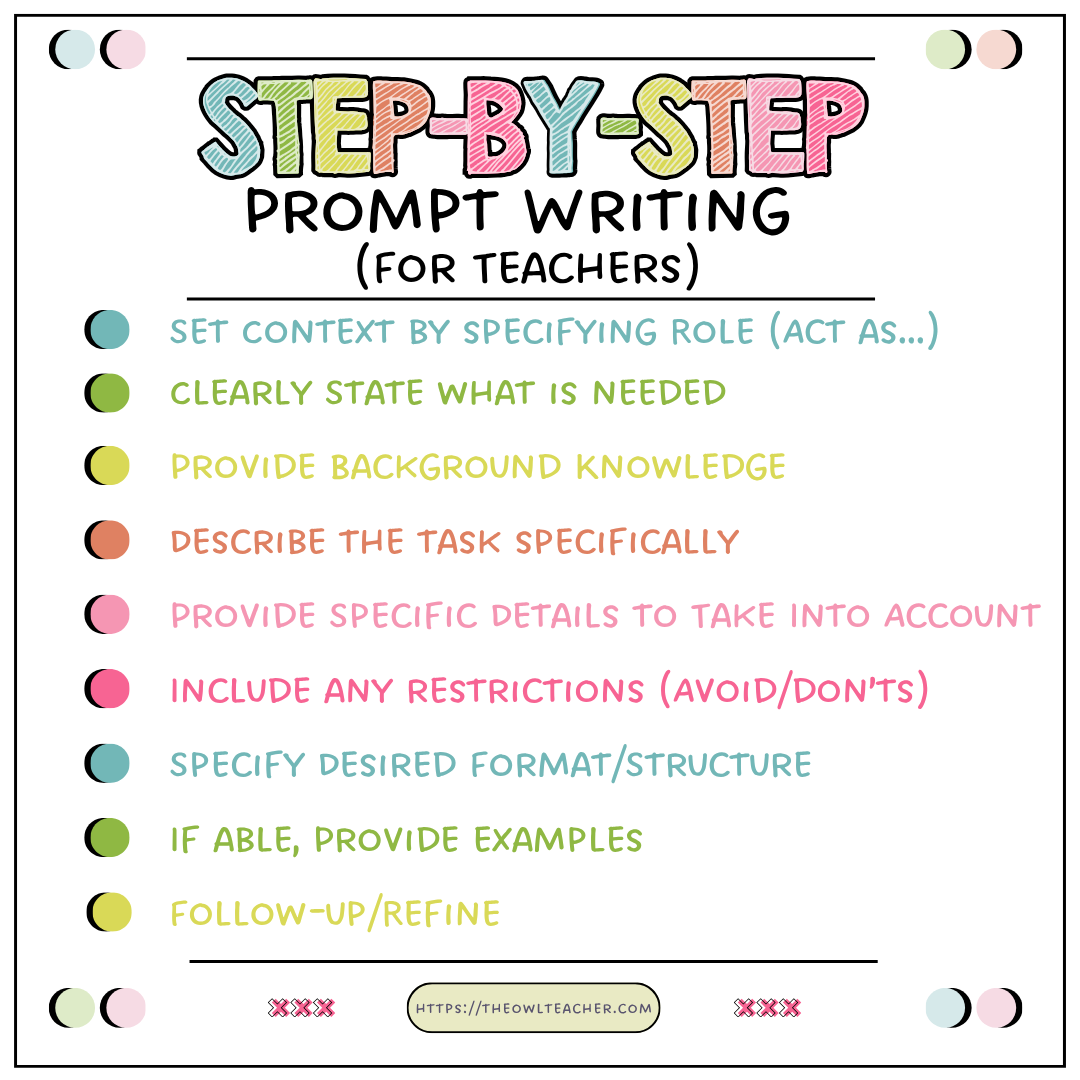
How to Actually Write a Prompt (Step-by-Step)
Here’s a formula you can play with when writing ai prompts for lesson planning—feel free to scribble it on a sticky note and slap it on your laptop:
- Start with grade and standard. “Create a 5th-grade lesson aligned to CCSS 5.NF.1.”
- Name the exact skill. “Focus on adding fractions with unlike denominators.”
- Give classroom details. “Include scaffolds for struggling learners and extensions for advanced students.”
- Choose your structure. “Follow the ‘I Do, We Do, You Do’ format.”
- Ask for extras. “Add one anchor chart idea and one partner game.”
- Clarify tone. “Make it engaging, hands-on, and avoid worksheet overload.”
- Include any restrictions. “Do not exceed more than 30 minutes.”
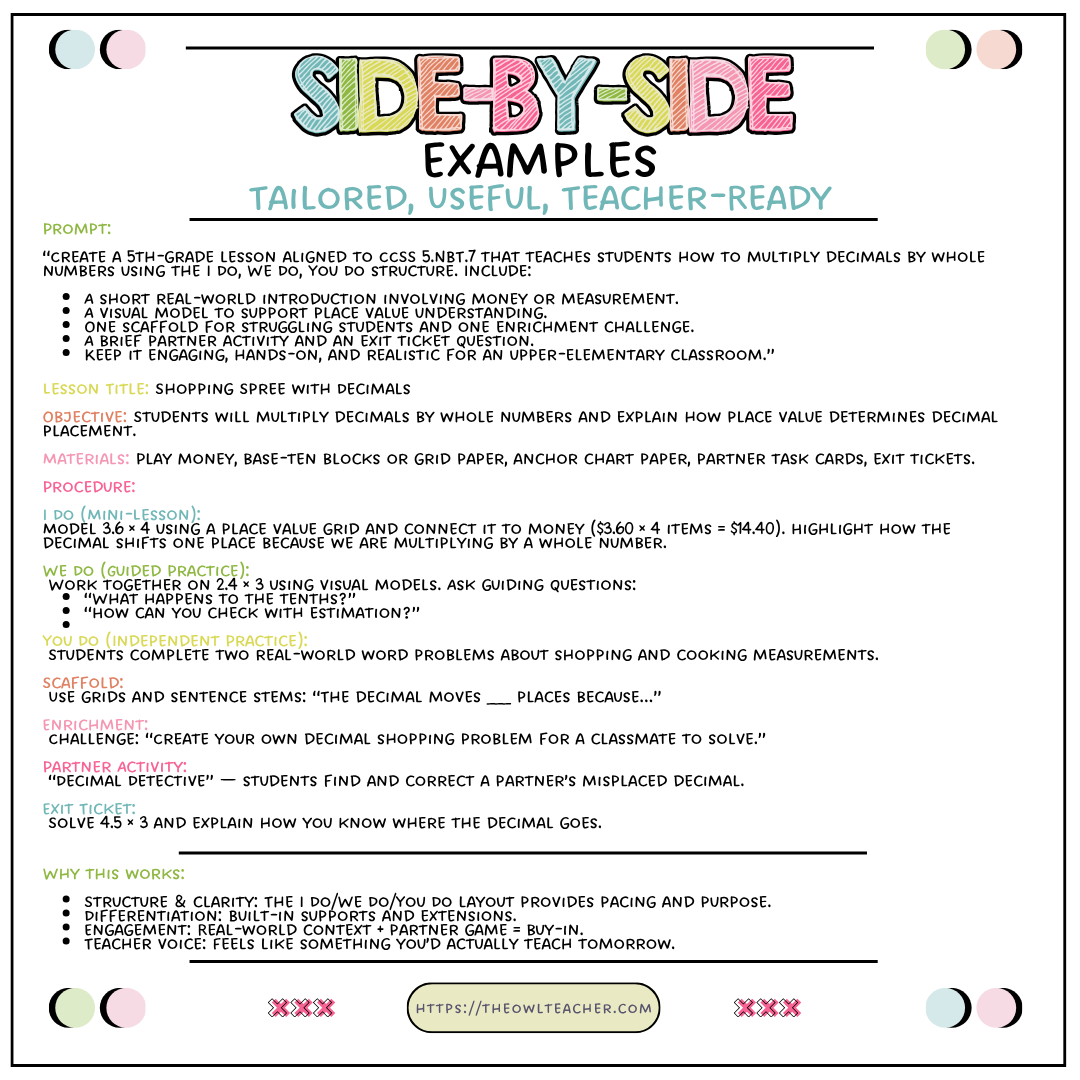
Example: Bad vs. Good AI Prompts for Lesson Planning
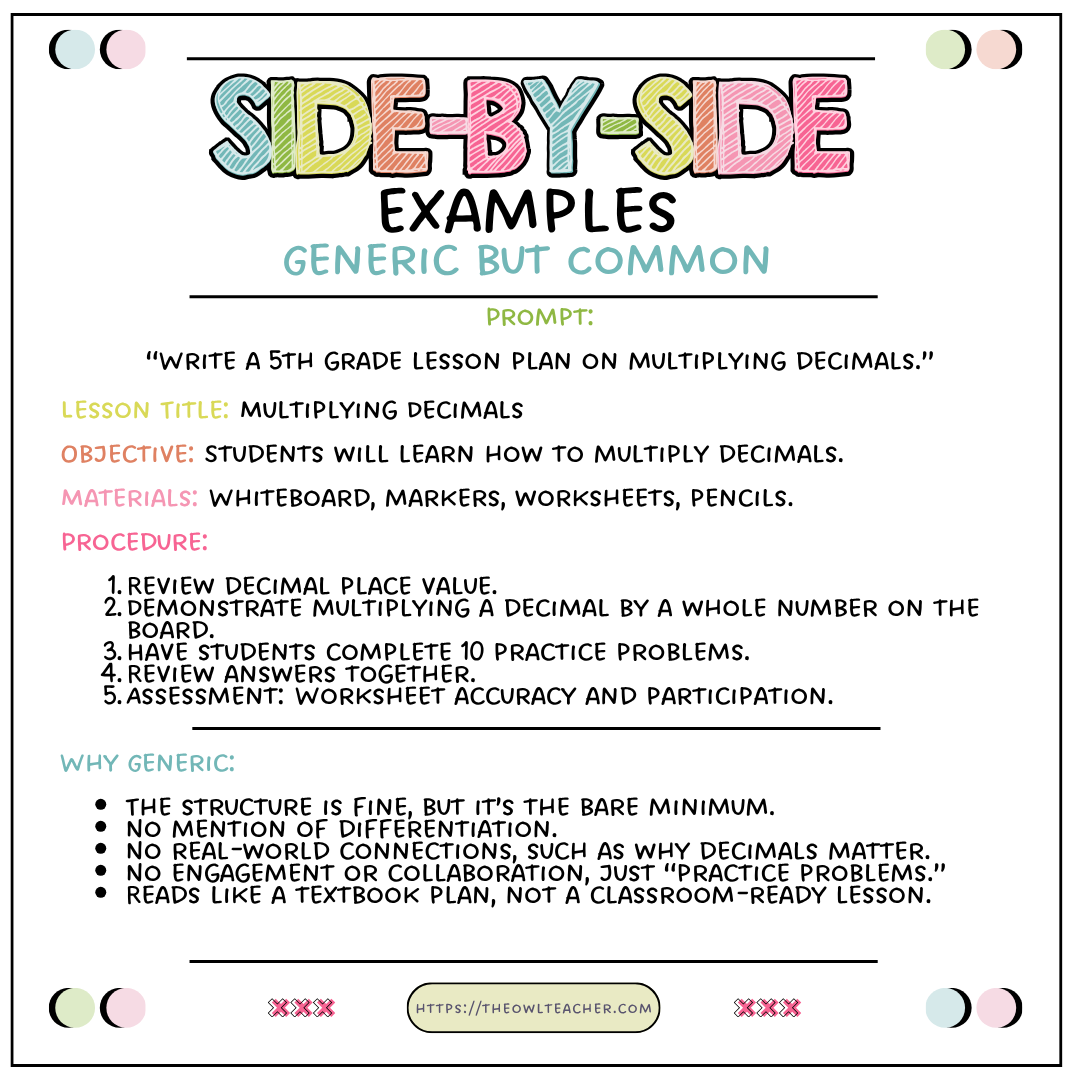
When you view the images above (prompts and information on the photos are from ChatGPT—I used Incognito mode), using the AI prompts for lesson planning, the results are generic due to the poor prompt. As you can see from the image on the left, the information provided is generic rather than helpful. It is similar to what you would find in a textbook. It fails to incorporate several key best practices that teachers are expected to include in their lessons, such as differentiation, collaboration, or real-world connections. Instead, the teacher assumes it will be included.
With the AI prompt for lesson planning on the right, it is more detailed and valuable so that ChatGPT can spit out a lesson plan that includes everything needed, including scaffolding, the structure desired in the lesson plan, such as I do, we do, you do. It also provides enrichment, hands-on activities, and an exit ticket to help check for understanding.
When our AI prompts for lesson planning are generic, we have to add more to them ourselves, which really puts us back to where we started– creating a lesson plan ourselves. That isn’t saving time, that’s wasting it. Additionally, we can use websites that can help us create lesson plans or even provide them for you with the push of a button, but are they just as generic? What we need are lesson plans that are both valuable and time-efficient. If it’s not doing that, then it’s really not worth it, including any price you may be paying. If you are paying a price for an AI lesson planning site, make sure the content is as valuable as you’d find in my Teachers Pay Teachers store or website store.
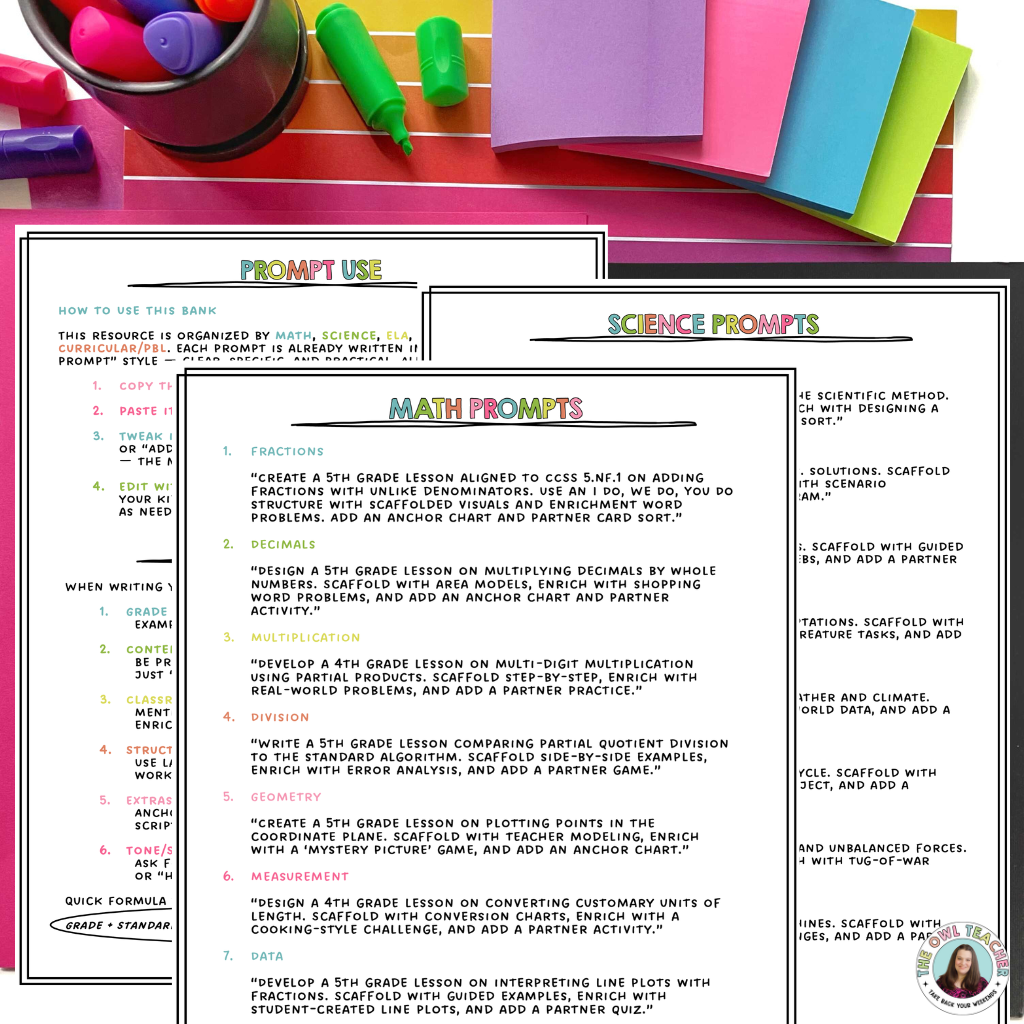
FREE SAMPLER of
AI Lesson Plan Prompts!
Tired of AI lesson plans that sound like a robot? The secret isn’t the tool — it’s the prompt. The way you ask determines what you get. Inside, you’ll find 25 carefully crafted prompts across math, science, and ELA that you can copy, paste, and use right now. Think of this as your sampler — the full 200+ prompt bank is waiting for you when you’re ready for more.
CLICK HERE TO GRAB THEM FREE!
What to Do After You Get the Response
Even with a great prompt, you still need to wear your teacher hat. Here’s what to check:
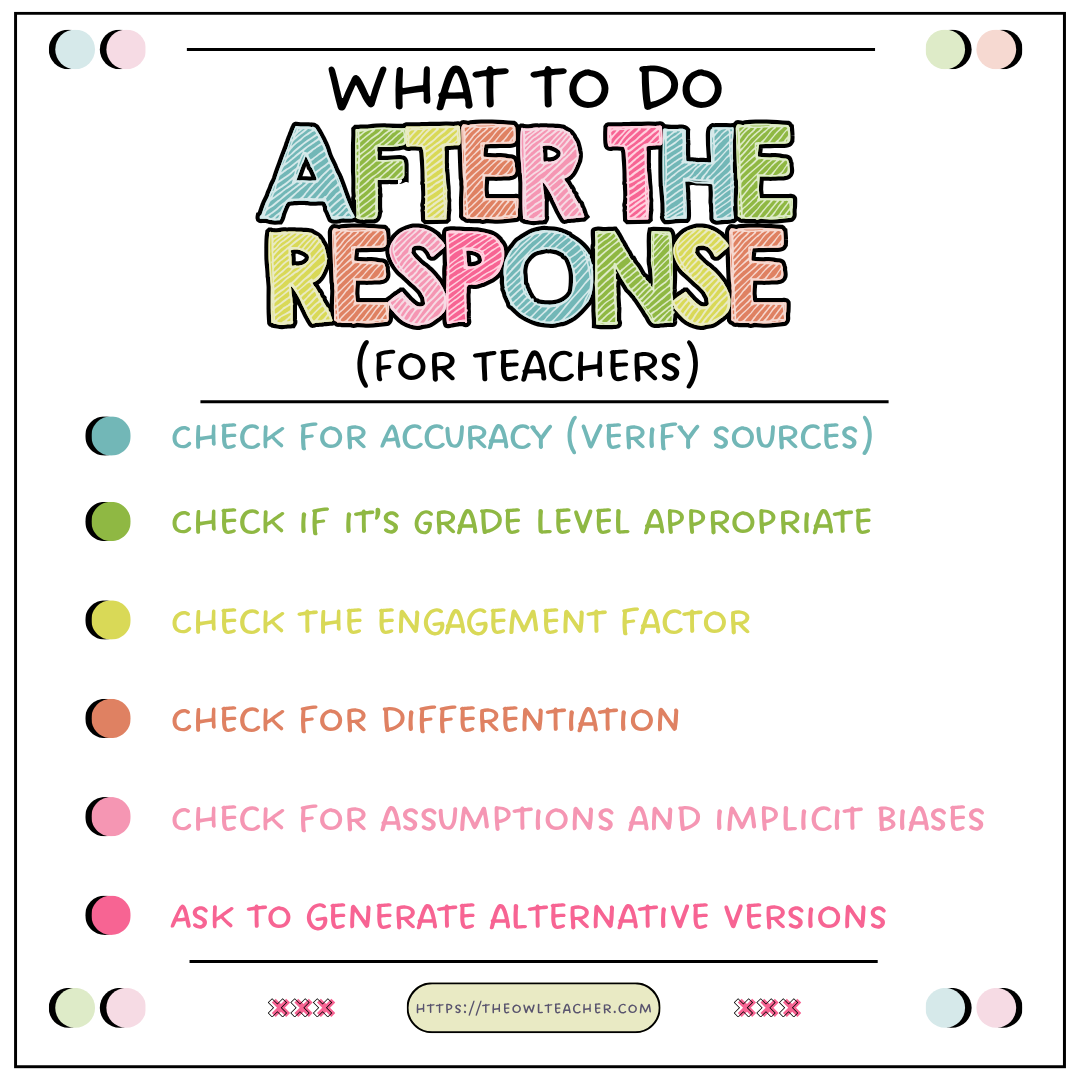
- Accuracy. Sometimes AI invents strategies that sound great but don’t exist. Double-check against your standards.
- Appropriateness. Does it match your students’ ability level? Or is it asking ten-year-olds to calculate like engineers?
- Engagement factor. Does it lean worksheet-heavy? If so, add your signature style: partner games, foldables, or a twist of humor.
- Differentiation. If the AI skipped scaffolds or enrichment, prompt again: “Add modifications for struggling learners.”
Bonus Tips You’ll Wish You Knew Sooner
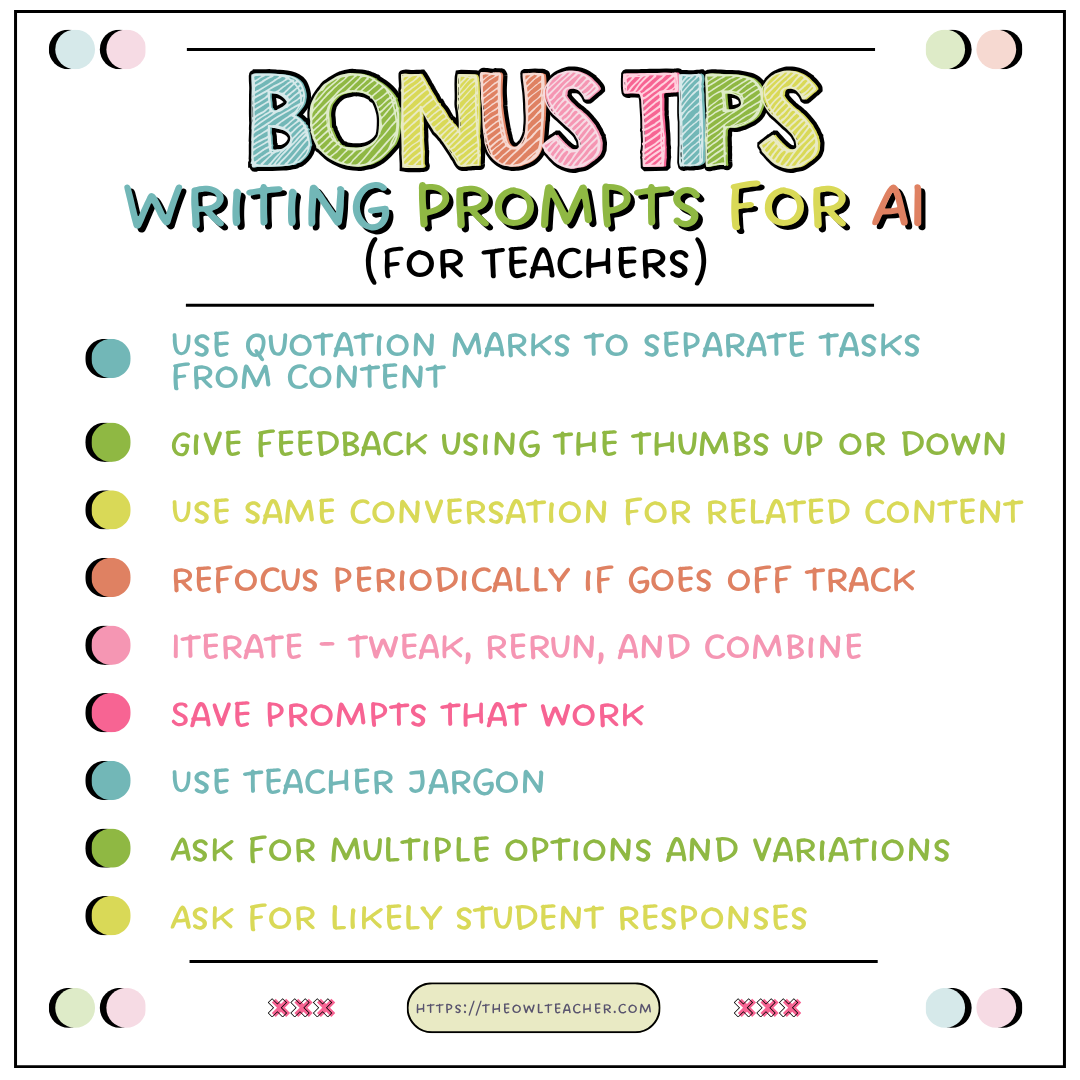
- Iterate. Don’t stop after one prompt. Tweak it, rerun it, and combine the best pieces.
- Save your winners. Keep a doc of prompts that worked so you’re not reinventing the wheel every week.
- Use teacher lingo. Words like “anchor chart,” “exit ticket,” or “small group station” steer AI in the right direction.
- Ask for multiple options. “Give me three variations” is like a built-in lesson bank. Then you can pick and choose pieces from each one to combine and make your own tailor-made lesson.
Wrapping It Up
Crafting a good AI prompt is basically like writing directions for your sub—but instead of hoping for survival, you’re aiming for a lesson plan that saves you prep time and actually works for your students. The more specific you are, the more your AI tool can stop sounding like a dull curriculum manual and start acting like your planning assistant.
So next time you’re tempted to type, “Write me a fractions lesson,” stop. Give it the details because you deserve a response that’s more than the digital version of the shrug emoji.

This is part of the AI in the Classroom Series
Related Posts:
How to Use AI in Teaching the Upper Elementary Classroom
The Ultimate Guide to AI Tools in the Classroom
Sources:
Liang, Percy, et al. Holistic Evaluation of Language Models. Stanford Center for Research on Foundation Models, 2023.